REZVA in your pocket.
The REZVA mobile app installs on your phone straight from this website, on iPhone and Android. No app store, no download.
- No app store
- Under a minute
- For clients and specialists
 On your home screen
All of REZVA, one tap from your home screen.
-
Notifications on your phone
A new booking, a confirmation or a message reaches your phone right away, with no need to check your email.
-
Faster than the browser
Opens full screen from your home screen, with no address bar or tabs.
-
Always with you
Run your business anywhere: between clients, on the commute or from home.
-
Fewer messages to write
Clients with the app get a notification when you confirm, decline or move their booking, and they talk to you in the chat. No SMS needed.
Your business. On your phone.
Bookings, clients, messages and working hours, synced with the web dashboard. You handle them between two clients, without sitting at a computer.
- Booking management Confirm, cancel or mark as completed with one tap. Changes from the web dashboard show up instantly.
- Client messaging Real-time chat with photos from your camera or gallery, without sharing your personal number.
- Client management Visit history, preferred services and personal notes for every client.
- Portfolio gallery Upload photos straight from your phone and arrange them. They appear on your public profile.
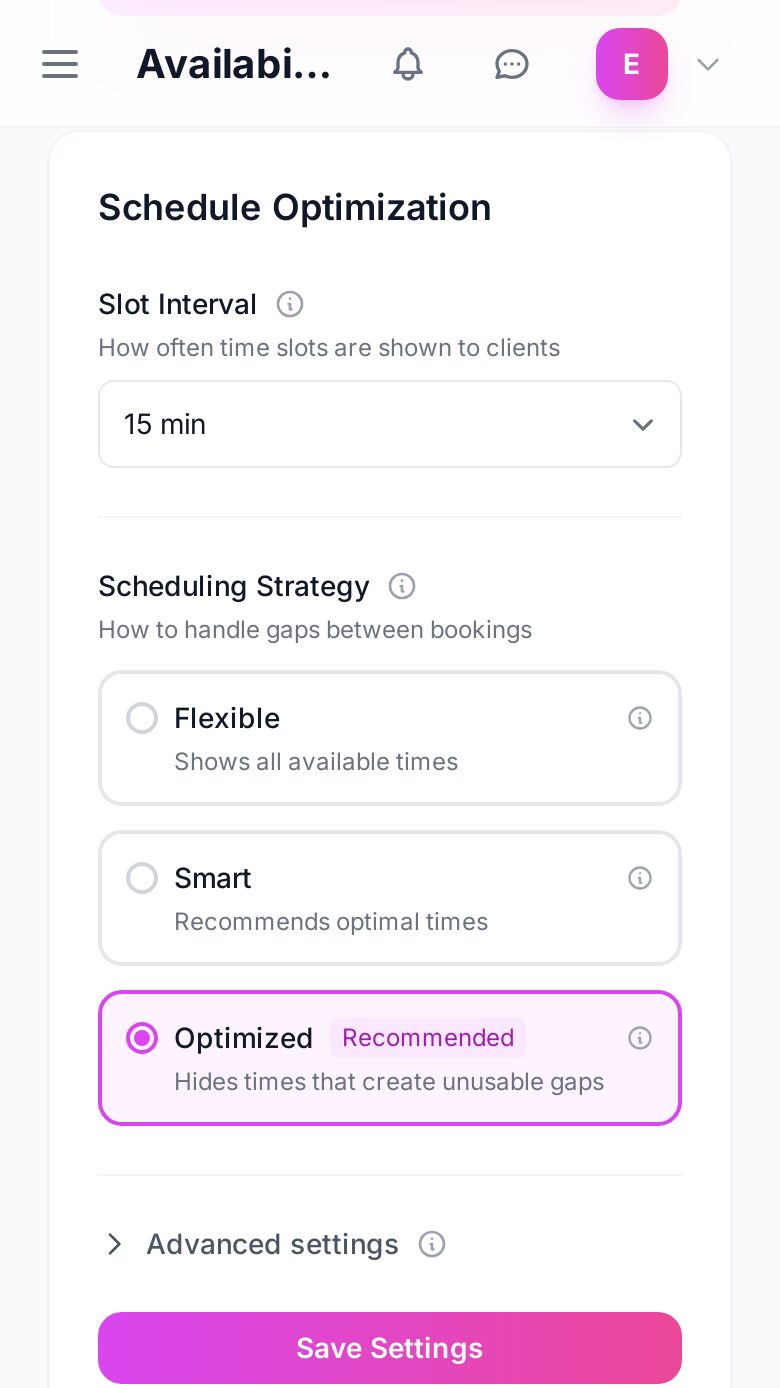
- Schedule and availability Change the hours for each day, add breaks and block times. Online booking updates instantly.
- Notifications New bookings, reschedule requests and messages, even when the app is closed.
A REZVA notification
A new booking while you work
Your next visit is a few taps away.
Real REZVA screens on a phone. The time and the email show sample details.
Discover specialists
Search by service and city. Browse profiles with a gallery, services, prices and reviews.
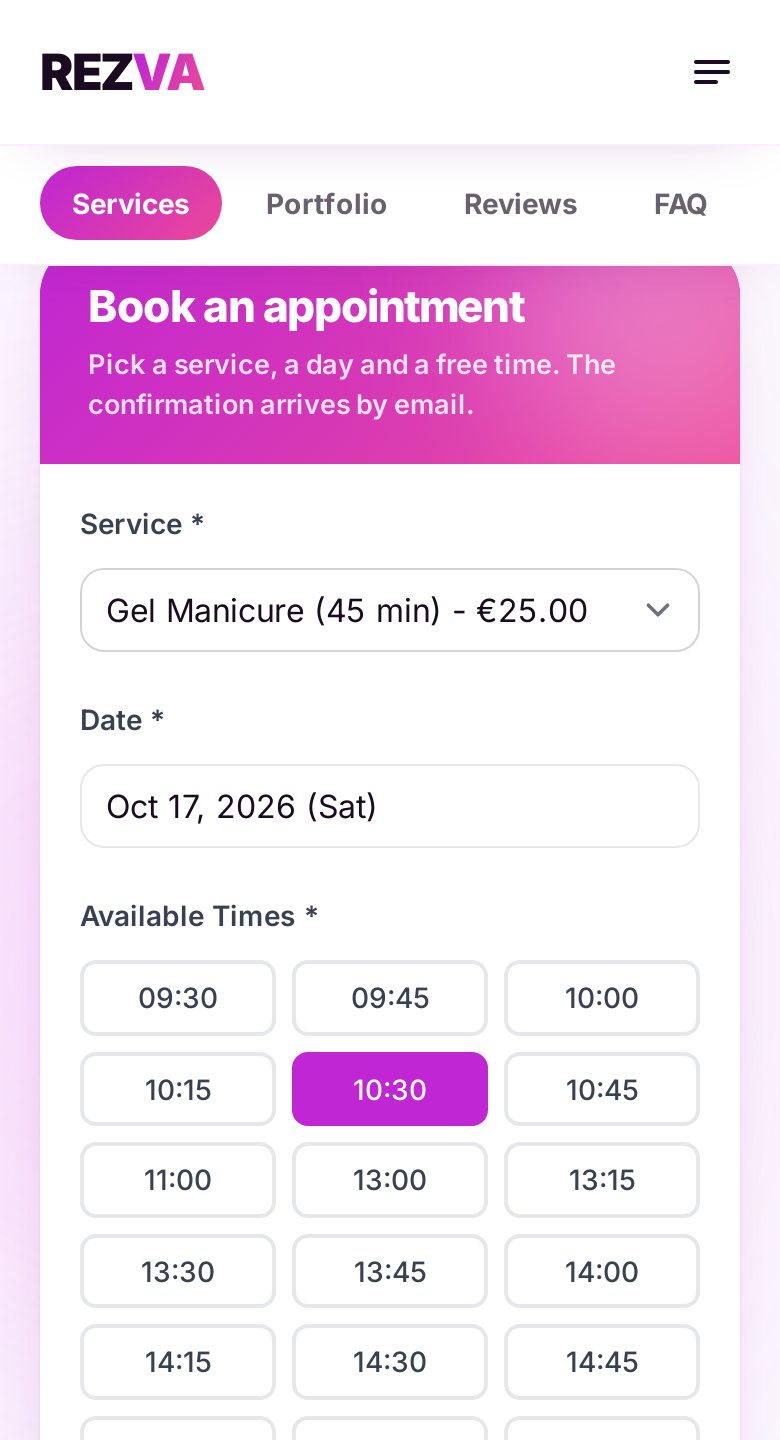
Quick booking
Pick a service, a day and one of the times that are actually free. Done in seconds.
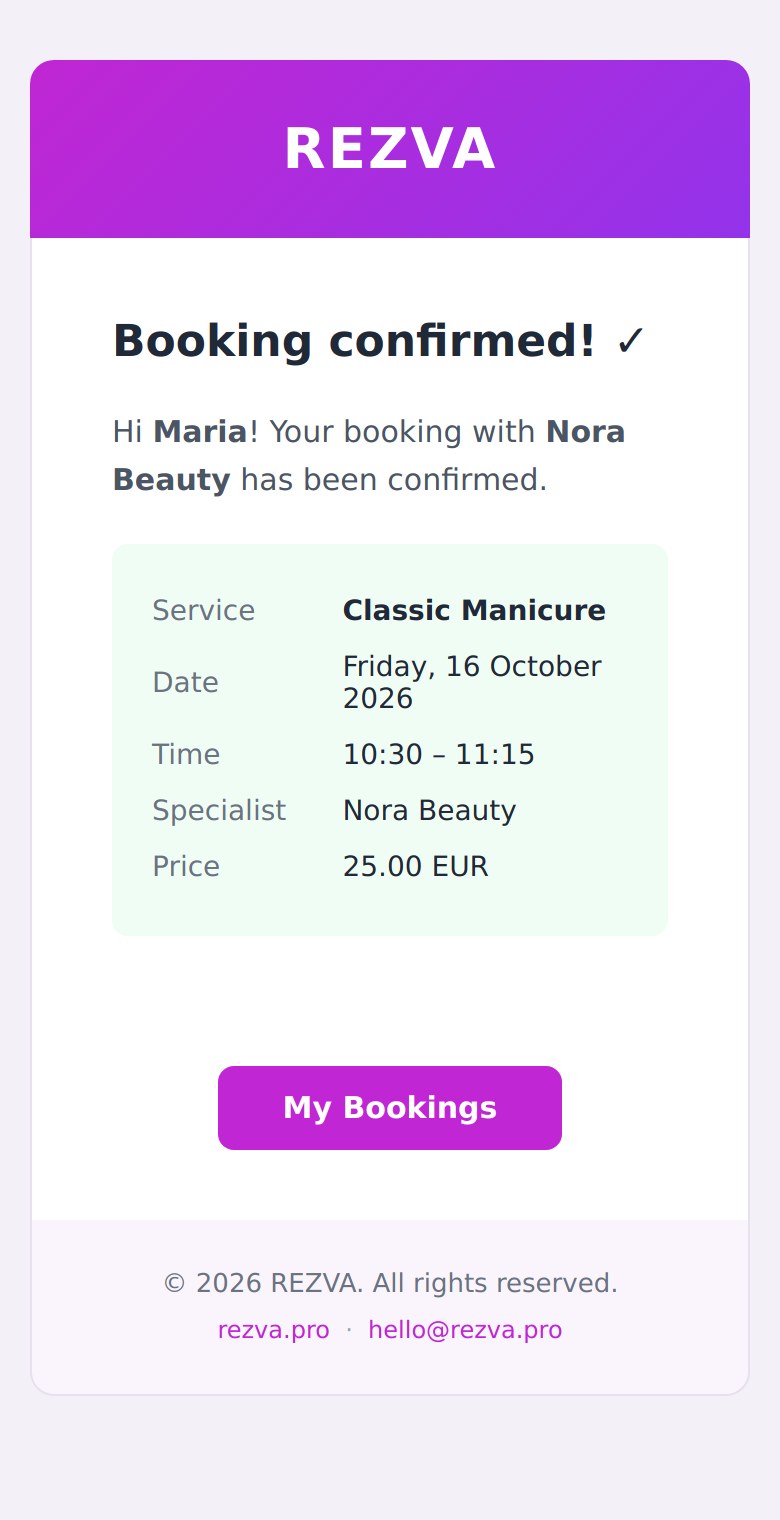
All your bookings in one place
The confirmation arrives by email, and under “My bookings” you see your upcoming and past visits and ask for a new time or cancel from there.
Add REZVA to your phone.
It takes under a minute. The app lands on your home screen with the REZVA icon and opens full screen, with notifications.
iPhone
Safari
- 1 Open rezva.pro in Safari.
- 2 Tap the Share button (the square with an arrow pointing up) in the bottom bar.
- 3 Scroll the list and tap "Add to Home Screen".
- 4 Confirm with "Add". The REZVA icon appears on your home screen.
Android
Chrome
- 1 Open rezva.pro in Chrome.
- 2 Tap "Add to my phone" above, or the three-dot menu in the top right.
- 3 Choose "Install app" (or "Add to Home screen").
- 4 Confirm with "Install". REZVA appears next to your other apps.
Android
Samsung Internet
- 1 Tap "Install through Chrome" below.
- 2 In the "Open with" window choose Chrome, not Internet. Tap "Always" so it never asks again.
- 3 In Chrome tap "Install". The app opens full screen.
Your own app for your clients, with your name and photo. They add it to their phone from your booking page. Share it from your dashboard.
Free for iPhone and Android, straight from this website.
No app store and no download. The REZVA icon is on your home screen in under a minute.